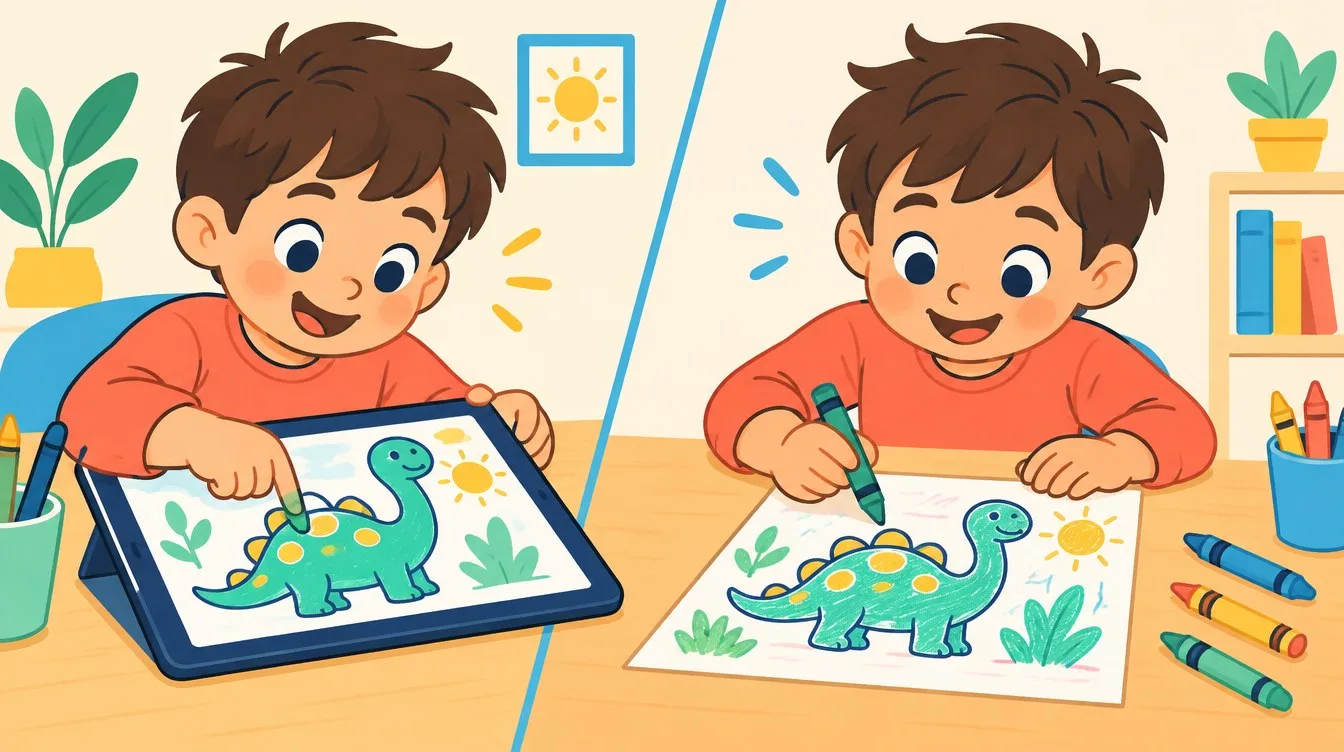
With tablets and phones everywhere, digital coloring for kids has become a common activity, and many parents ask: is it useful, or is paper always better? Each method has different benefits, and the best choice is usually a mindful, balanced mix. Here we compare both clearly and explain when to choose each one.
Benefits of paper coloring
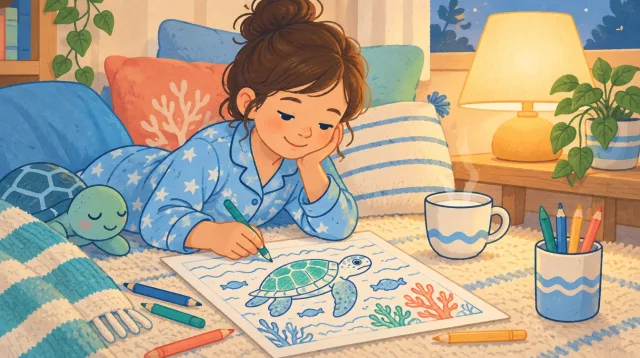
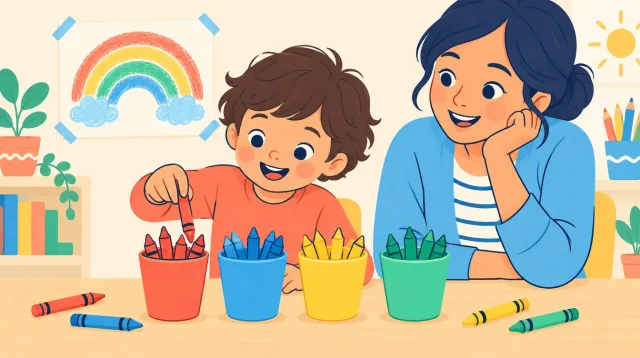
Coloring with crayons on paper is a full sensory experience. Children feel the paper and the pressure of the crayon and learn to control hand strength, which builds the fine motor muscles needed for writing. It trains pencil grip and patience, and paper has no notifications, so it supports focus and calm.
- Strengthens fingers and improves grip.
- Teaches pressure control, blending and shading.
- No blue light or distractions.
- Creates a real artwork to display or gift.
Benefits of digital coloring
Digital coloring for kids has different strengths, especially for very young children. Tap-to-fill gives instant success without the frustration of going outside the lines. Undo encourages experimenting with colors without fear. It is clean, travel friendly and needs no supplies.
- Quick success motivates young children.
- Easy to try many colors and undo.
- Great for travel and waiting rooms.
- Teaches the idea of closed areas.
Downsides of each
Paper needs preparation and can be messy. Screen coloring does not strengthen the hand as much and adds to daily screen time, so it should not fully replace paper.
When to choose each
Choose paper for main coloring time at home, for pre-writing skills and for calm time before bed. Choose the screen for travel, waiting rooms, introducing coloring to very young children, or testing colors before coloring the paper version.
The best approach: combine them
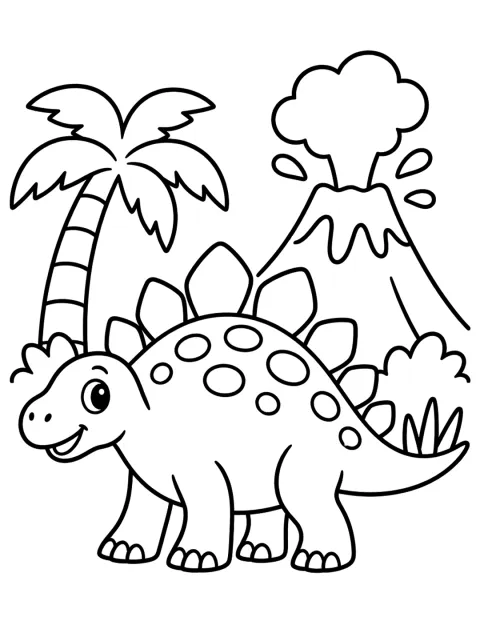
Let your child color a picture on screen first and try colors freely, then print the same page and color it on paper with the favorite colors. Try coloring the dinosaur online, then print the dinosaur page in A4 or Letter.
Healthy screen time tips
- Follow your pediatrician's screen time advice for your child's age.
- Choose apps and sites with no ads inside the child's activity.
- Sit with your child and talk about colors.
- Avoid screens in the hour before bed.
- Make paper the main choice and screens a fun extra.
Color a photo your child chooses
A fun idea is turning a favorite photo into a coloring page. Try our color your photo feature: pick a picture from your device and it becomes outlines ready to color. The photo stays on your device and is never uploaded.
Frequently asked questions
Is screen coloring bad for my child's eyes?
Short sessions with a comfortable distance and good room lighting are fine for most children. Take breaks and follow your pediatrician's screen advice for your child's age.
Which is better for a child learning to write?
Paper matters more for pre-writing, because it trains grip and pressure control. Screen coloring can stay a fun extra at set times.
In short, digital coloring for kids is not bad and paper is not the only option. Mix them wisely and start today with our animal coloring pages.